What PrintPort3D is
Print-on-demand for 3D-printed products: you supply the designs and the store, and PrintPort makes and ships every order.
4 min read
PrintPort3D is print-on-demand manufacturing for 3D-printed products. You supply the designs and the storefront; PrintPort3D prints, inspects, packs and ships every order to your customer, made to order.
Overview
You sell on your own store — Shopify, Etsy, Amazon, or one of several other supported platforms. You add your 3D designs to PrintPort, turn each one into a product with a short code called a SKU, and create the listing on your store yourself. When a customer buys, the order flows into PrintPort, which prints it, packs it, and ships it directly to the customer. Nothing is made until it sells, so there is no inventory to buy up front and nothing sitting on a shelf.
The full loop has five steps:
- Connect your store to PrintPort through Shippo.
- Add a design and turn it into a priced product with a SKU.
- Create the listing on your store and put that same SKU on it.
- A customer buys, and the order lands on your Orders page.
- PrintPort prints, packs, and ships it from the warehouse.
Made to order
Division of responsibilities
| You handle | PrintPort handles |
|---|---|
| Your designs and products | Printing every order |
| Your store and your listings | Packing and quality — a failed print is remade automatically |
| Your retail prices | Shipping from the warehouse with tracking |
| Orders that need a decision | Everything else |
- Your designs and productsPrintPort handlesPrinting every order
- Your store and your listingsPrintPort handlesPacking and quality — a failed print is remade automatically
- Your retail pricesPrintPort handlesShipping from the warehouse with tracking
- Orders that need a decisionPrintPort handlesEverything else
Who it's for
PrintPort3D fits two kinds of sellers:
- Store operators adding physical products to an existing storefront without buying equipment, renting space or managing stock. A shop on a supported platform can list printed products the same week.
- Designers and brands with 3D files or product ideas who need production and fulfillment behind every sale.
CAD experience is not required: upload ready-made files, or describe a part in Studio and it returns a dimensioned model. You do need a store on one of the platforms PrintPort supports, because that is where your customers pay you.
What you provide
To run a shop on PrintPort3D, you supply three things:
- Designsyour files or Studio
- A 3D model to print. Upload your own STL or 3MF file — the two reliable formats — or create one in Studio. Every design is sliced to measure its weight, print time, and size, which is what your make cost is based on. See Upload a design.
- A storeone of 11 platforms
- Your storefront on Shopify, Etsy, Amazon, TikTok Shop, eBay, Walmart, WooCommerce, Wix, Squarespace, Magento 2, or BigCommerce. It connects to PrintPort through Shippo. You create the listing yourself and add your PrintPort SKU to it; PrintPort never posts a listing for you. See Link your store in Shippo.
- A payment cardon file
- The card PrintPort charges to make each order. There is no signup fee and no monthly charge; you pay only when something sells. See Add your payment card.
These map to three objects PrintPort keeps in sync for you. A Design (the file) becomes a Product (priced, with a SKU), which you attach to a store listing (what the customer sees). The SKU is what ties them together. PrintPort stores it in uppercase, but matching ignores case and any surrounding spaces, so you do not have to reproduce that exact case on your listing — the characters must be the same. See Designs, products, and listings and The SKU link for the full picture.
How PrintPort fulfills each order
Once your store is connected and a product is listed, PrintPort takes each sale from order to doorstep:
- Reads the order from your store through Shippo.
- Matches it to your product using the SKU on the listing. Matching ignores case and surrounding spaces, so the characters simply have to be the same.
- Prints it in-house. If a print fails, PrintPort catches it and remakes it automatically; the order sits at Reprinting while that happens.
- Packs it with a slip carrying your business name and logo, if you have set them in Settings.
- Ships it from the PrintPort warehouse in Orange, CA — not your address — on the cheapest USPS service, with a tracking number.
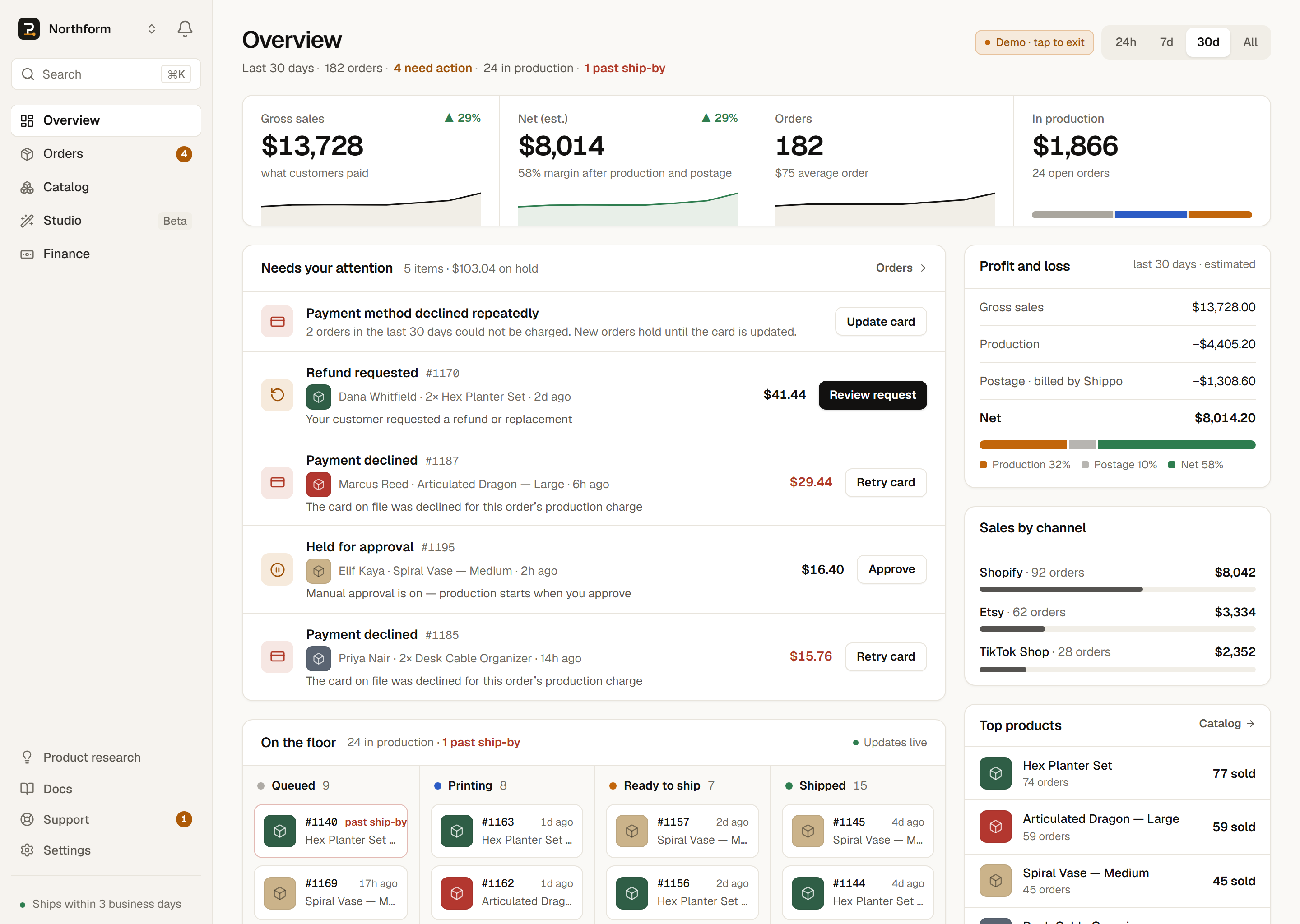
Most of this is hands-off. You step in only when an order needs a decision, such as a declined card or a listing whose SKU did not match a product. These surface at the top of your Orders page so you can act on them and let the rest flow.
You approve each order by default
How the money works
PrintPort's money model is the opposite of a marketplace payout. It rests on three facts:
- PrintPort charges your card the make cost. This is the real cost to produce one unit: material (its live price per gram multiplied by the sliced weight) plus labor — $3 per print-hour, pro-rated for short prints. Any hardware adds its part price, assembly adds $1.00 per part when you ask for it, and every order is billed at least $2.00. See Costs and pricing.
- Your customer pays you through your own store, at whatever retail price you set. PrintPort never stores your retail price and never takes a cut of your sale.
- There is no payout, wallet, or escrow. PrintPort never sends you money. Your earnings live on your store's balance, and the make cost lands on your card. The difference is yours.
Shipping labels are not part of that card charge. On store orders, the label is bought on your own connected Shippo account. Your card charge covers material and labor only, and it happens when the label is purchased, not the moment the order arrives.
A customer buys your product and pays you, for example, $25 on your store. PrintPort charges your card the make cost to print it. You pay for a USPS label on your Shippo account. What remains is your profit:
customer payment − make cost − shipping label ≈ your profit
The Finance page tracks this for you and labels it an estimate, because the customer total it reads back from your store is a proxy.
PrintPort charges you — it does not pay you
Next steps
That is PrintPort3D in one page. From here, follow the loop end to end, or start setting up your shop.